 ALERT
ALERT
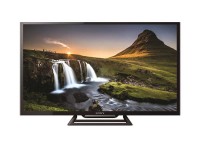
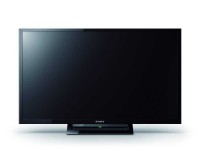
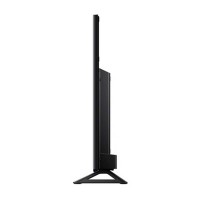
Sony KLV-32R412C Specifications
Similar Products
TV
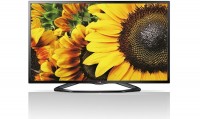
LG Smart TV Specifications
Rs.38,500.00
TV
Sony Smart TV Specifications
Rs.32,471.00
TV
Sony Smart TV Specifications
Rs.41,000.00
TV
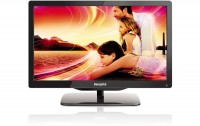
Philips LED TV Specifications
Rs.22,700.00
TV
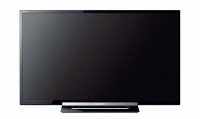
Sony LED TV Specifications
Rs.33,900.00
| Price & Sharing | |
|---|---|
|
Rs.27,500.00
|
|
| TV Type | LED TV (2015) |
| Screen Size | 32 Inch (80 cm) 32 Inch TV Dimensions |
| Screen Resolution | 1366 x 768 |
| Aspect Ratio | 16:9 |
| Motion Rate | 100 Hz |
| Viewing Angle | 178 / 178 degrees |
|
View Latest 32.00 inch LED TV Prices & Features
|
|
| USB Features | |
| USB Version | 2.0 |
| Supported Audio Formats | mp3, wav, mp4, wma |
| Supported Video Formats | mp4, avi, mkv, asf, wmv, 3gp, mov, webm |
| Supported Picture Formats | jpg |
| Other Video Features | |
| Backlight Module | Edge LED |
| Dimming Type | Frame Dimming |
| Live Colour™ | Yes |
| Advanced Contrast Enhancer (ACE) | Yes |
| 24P True Cinema™ | Yes |
| Screen Format | TV: Auto Wide/ Full/ Normal/ Wide Zoom/ Zoom/ PC: Full 1/ Full 2/ Normal/ 4:3 Default |
| Picture Mode | Vivid, Standard, Custom, Photo-Vivid, Photo-Standard, Photo-Custom, Cinema, Game, Graphics, Sports |
| CineMotion/Film Mode/Cinema Drive | Yes |
| Colour System | PAL, SECAM, NTSC 3.58, NTSC 4.43 |
| Video Signal | 1080/24p (HDMI only), 1080/60i, 1080/60p (HDMI / Component), 1080/50i, 1080/50p (HDMI / Component), 480/60i, 480/60p, 576/50i, 576/50p, 720/60p, 576/50p, 1080/30p (HDMI only), 720/30p (HDMI only), 720/24p (HDMI only) |
|
|
|
| Other Audio Features | |
| Built-in Woofer | Yes |
| Speaker Type | Built-in Subwoofer |
| Sound Mode | Standard, Music, Cinema, Game, Sports |
| S-Master | S-Master Digital Amplifier |
| Dolby® | Dolby Digital |
| Stereo System | NICAM/A2 |
| Audio Output Power | 8W+8W+14W |
| Speaker Configuration | 2.1ch, Full Range(40x100mm)x2, Subwoofer(65mm)x1 |
| Connectivity Options | |
| USB | 1 (Side) |
| HDMI™ Connections | 2 (1Side/1Rear) |
| HDCP | HDCP1.4 |
| Analog Audio Input(s) for HDMI | 1 (Side) |
| Composite Video Input(s) | 1 (Bottom Hybrid w/Component) |
| Component Video (Y/Pb/Pr) Input(s) | 1 (Bottom Hybrid w/Composite) |
| RF Connection Input(s) | 1 (Bottom) |
| Analog Audio Input(s) | 1 (Bottom) |
| Audio Out | 1 (Side/Hybrid w/HP) |
| Headphone Out | 1 (Side/Hybrid w/Audio Out) |
| MHL Version | Ver2 |
| MHL | Yes. MHL stands for Mobile High-Definition Link technology, which allows you to display your smartphones content to a TV, all while charging your mobile device. |
|
|
|
| Other Features | |
| BRAVIA Sync (including HDMI CEC) | Yes |
| FM Radio | Yes |
| Control for HDMI (HDMI CEC) | Yes |
| Scene Select | Photo, Music, Cinema, Game, Graphics, Sports, Auto |
| Parental Control | Yes |
| Clock | Yes |
| Sleep Timer | Yes |
| On/Off Timer | Yes |
| Teletext | Yes |
| OSD Language | AFR/ ARA/ ASM/ BEN/ ENG/ FAS/ FRE/ GUJ/ HIN/ IND/ KAN/ MAL/ MAR/ ORI/ PAN/ POR/ RUS/ SWA/ TAM/ TEL/ THA/ TUR/ VIE/ ZHO/ ZUL |
| USB Play | MPEG1/ MPEG2PS/ MPEG2TS/ AVCHD/ MP4Part10/ MP4Part2/ AVI(XVID)/ AVI(MotionJpeg)/ WMV9/ MKV/ WEBM/ WAV/ MP3/ WMA/ JPEG |
| Dynamic Backlight Control | Yes |
| Backlight Off Mode | Yes |
| Power Saving Modes | Yes |
| General Specifications | |
| Power Requirements | DC 19.5V |
| Power Consumption | 51 watts |
| Standby Power Consumption | 0.5 watts |
| Weight with Stand | Approx. 6.8 Kg |
| Weight without Stand | Approx. 6.3 Kg |
| Dimensions | |
| Without Stand | 738.00 mm x 441.00 mm x 65.00 mm |
| With Stand | 738.00 mm x 470.00 mm x 151.00 mm |
| Supplied Accessories | |
| Remote Control | RMT-TX111P |
| Batteries | R03 |
Compare with similar LED TVs
Sony KLV-32R412C
VS
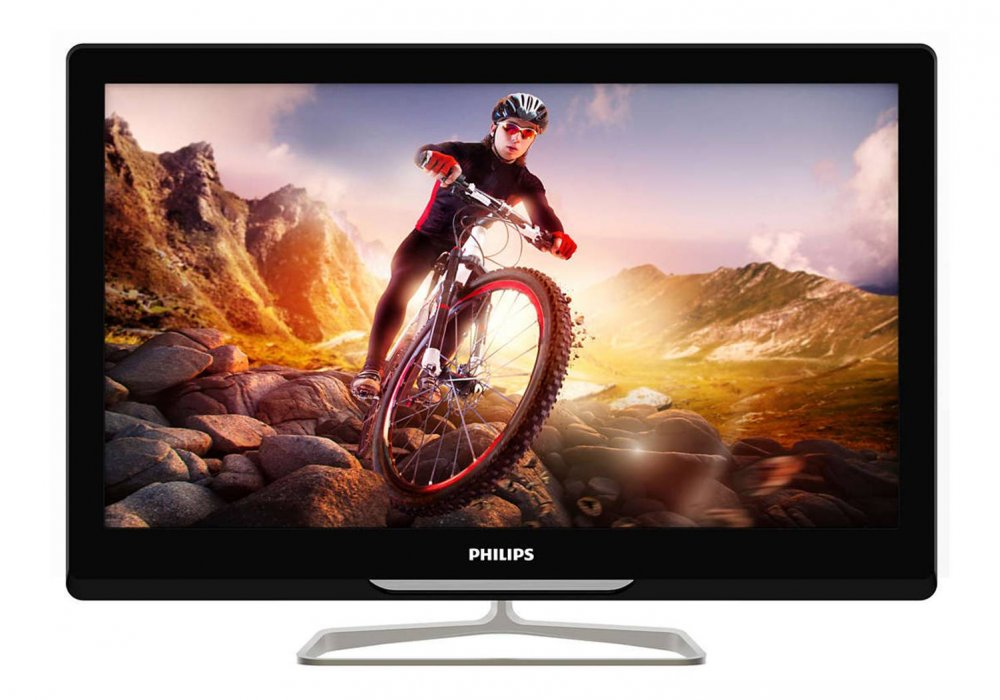
Philips 32PFL6370-V7
Sony KLV-32R412C
VS

Videocon VMR32HH12XAH
Sony KLV-32R412C
VS

Samsung UA32J4003AR
Sony KLV-32R412C
VS
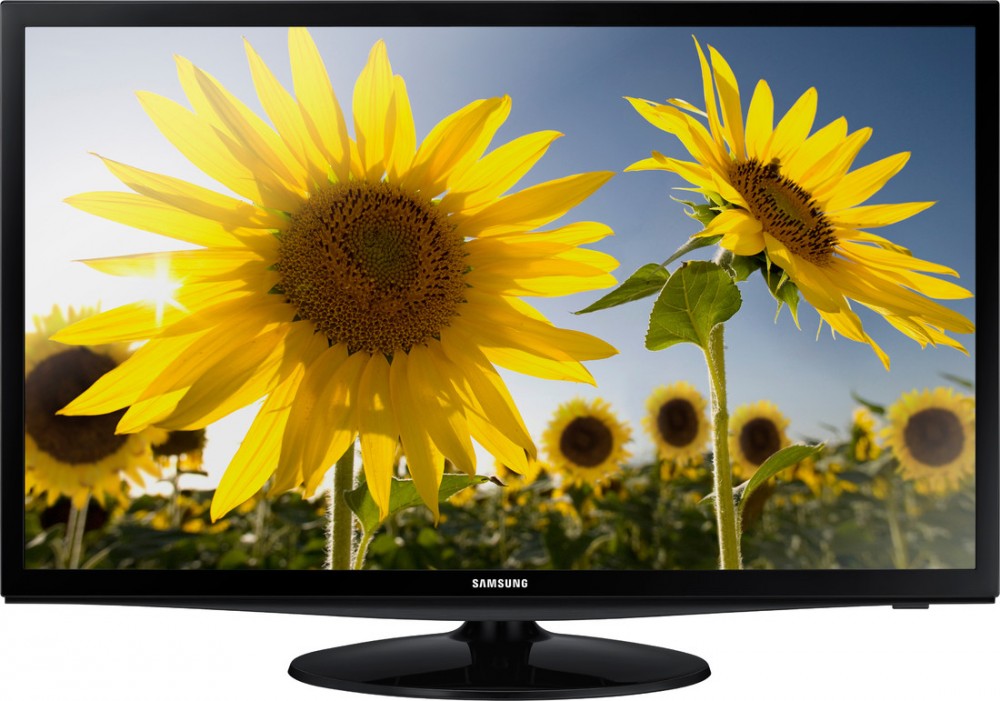
Samsung 32H4000
Sony KLV-32R412C
VS

LG 32LN4900
Sony KLV-32R412C
VS
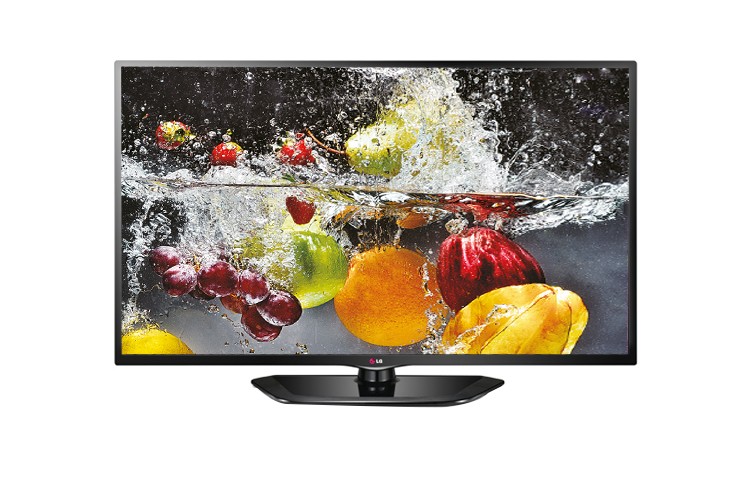
LG 32LN5110
Sony KLV-32R412C
VS
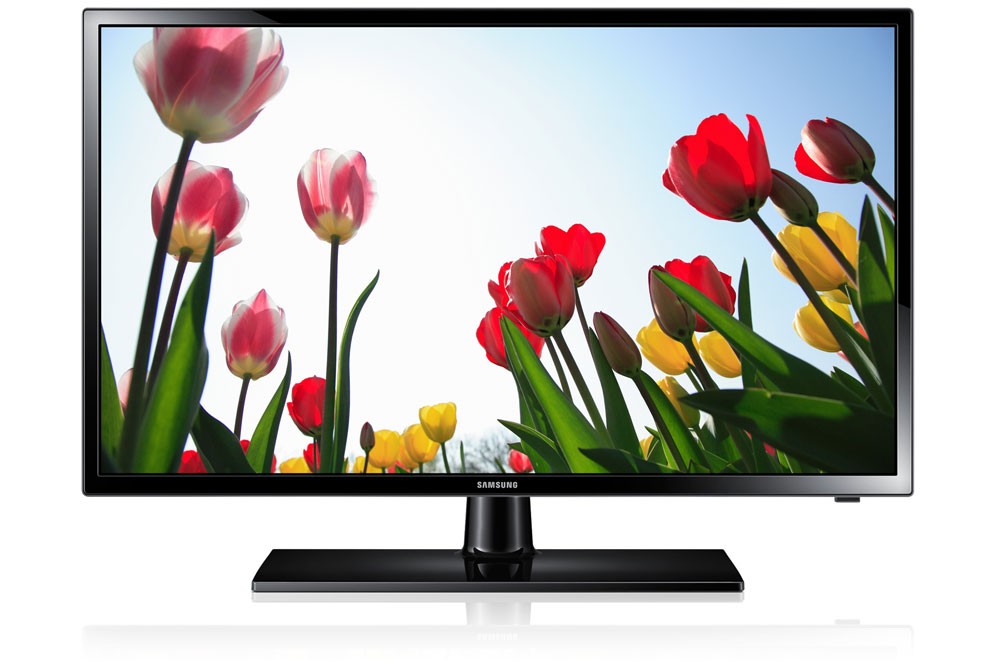
Samsung UA32F4100ARLXL
Sony KLV-32R412C
VS
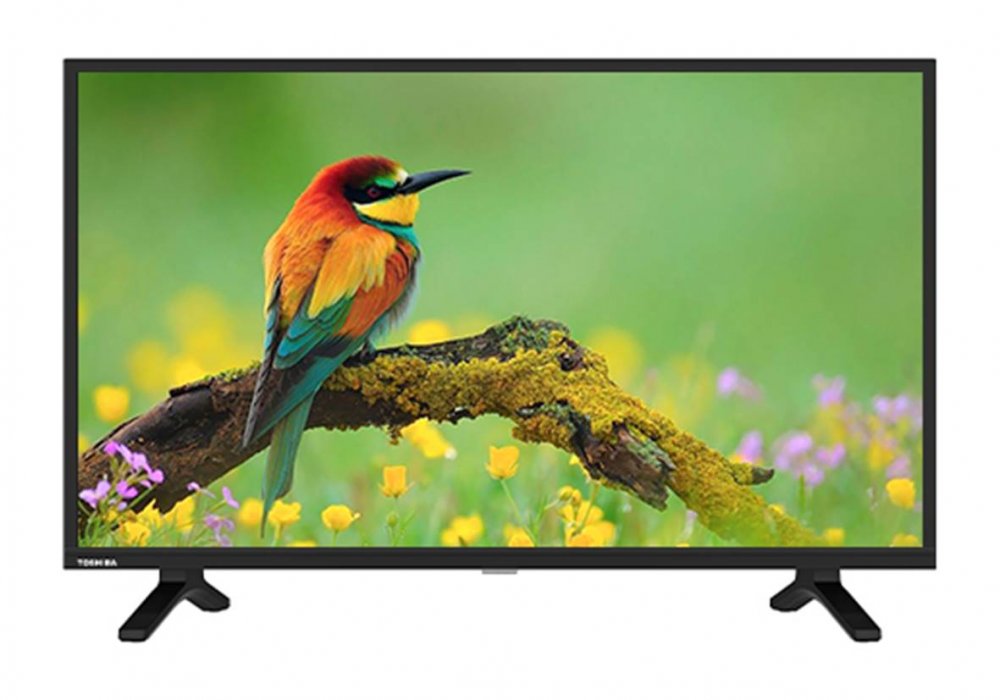
Toshiba 32S2900
Sony KLV-32R412C
VS
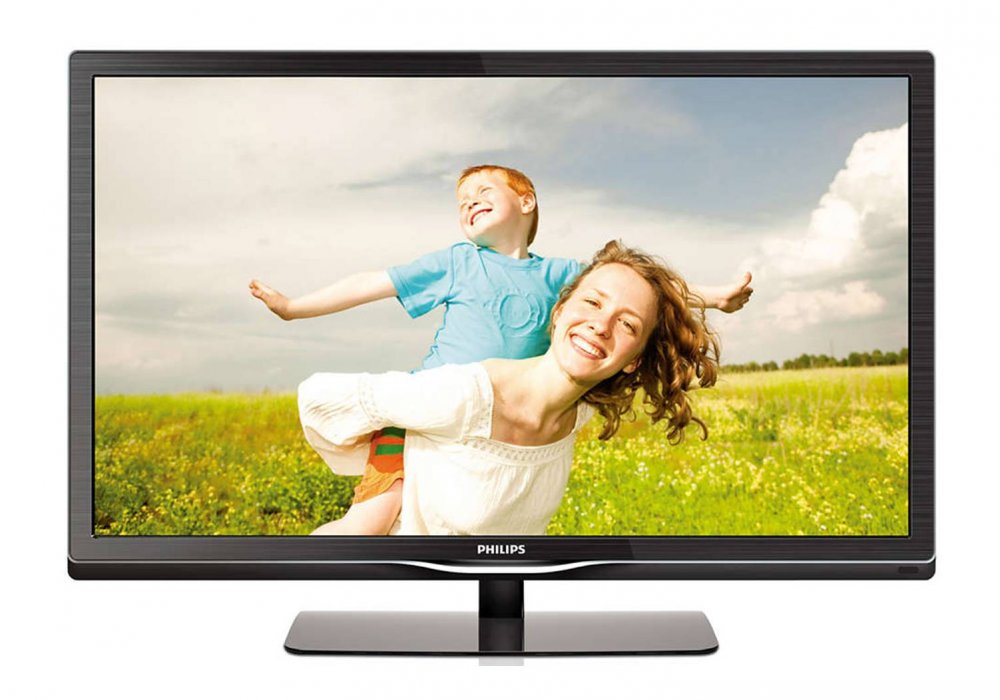
Philips 32PFL4737-V7
Sony KLV-32R412C
VS
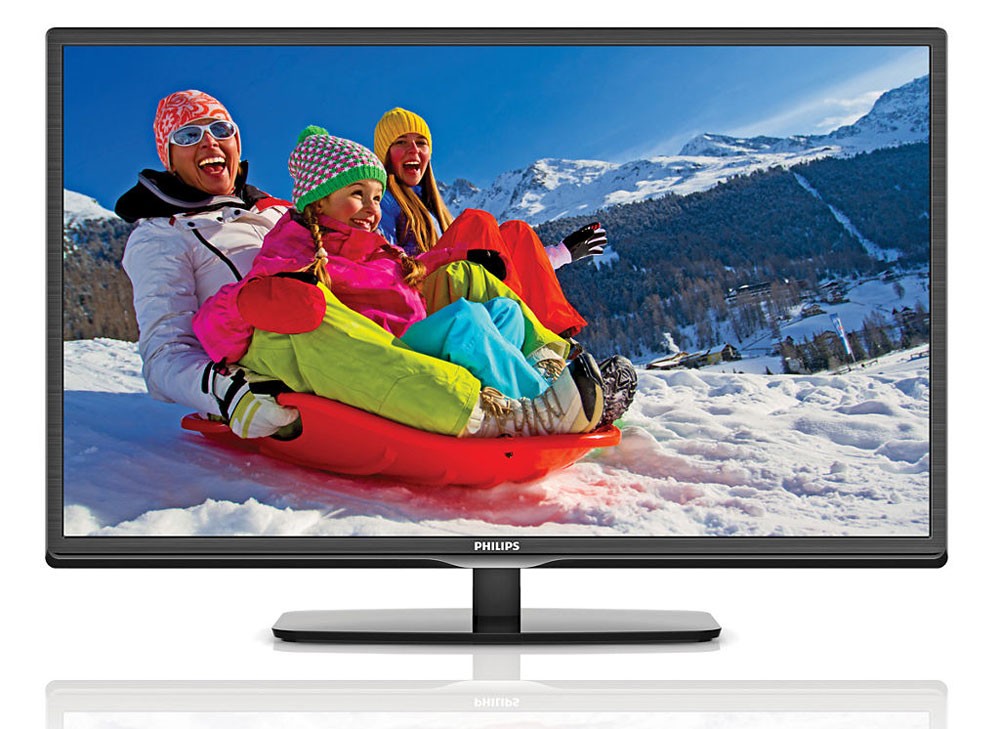
Philips 32PFL4738
Frequently Asked Questions
Sony KLV-32R412C how to connect wifi ?
1. Press the HOME button on the remote.
2. Select Settings.
3. Select Network.
4. Select Network setup.
5. Select Set up network connection or Wireless Setup.
6. Select the connection method.
7. Follow the on-screen instructions to complete the setup.