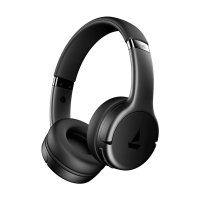
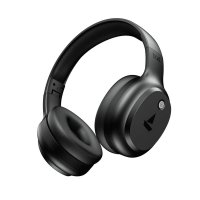
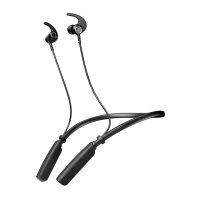
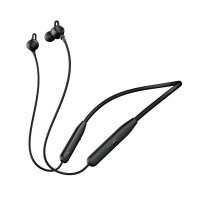
How To Connect Your AirPods To Laptop?
One can also connect Airpods with non-apple devices by following these simple steps
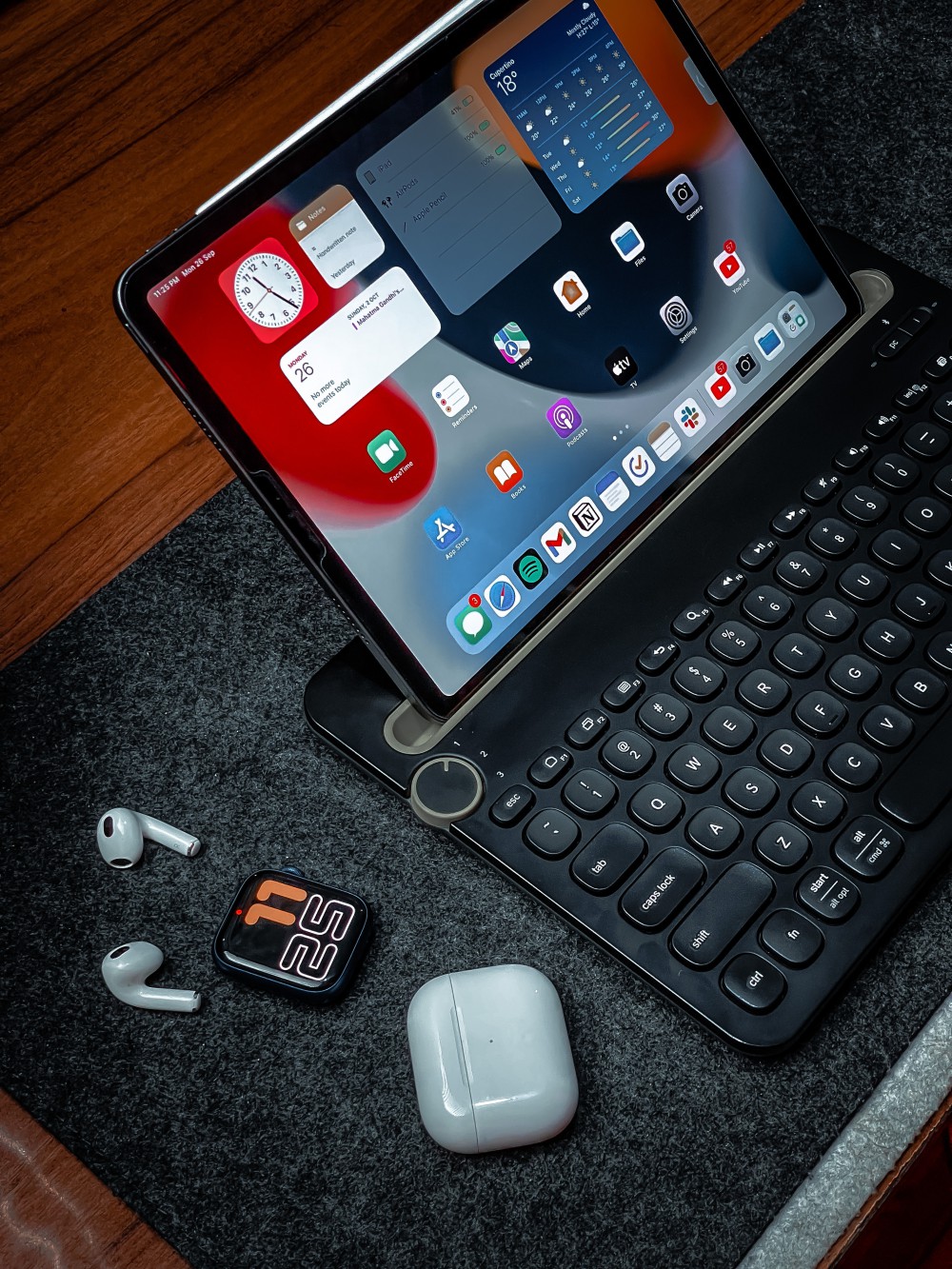
STEP 1: On your laptop, go to Settings and turn on the Bluetooth.
STEP 2: Open the lid of the AirPod.
STEP 3: Press and hold the button on the back of the case.
STEP 4: Select AirPod in the Device
list as the status light flashes white.